neuralduct is invite-only right now. The team is testing with a closed group, so new registrations need a beta invite. Join the waitlist and we'll let you know when the next round opens.
Stop running your businessacross four different apps.
Quote the job, book the crew, capture the work on site and send the invoice — all from one customer record, so nobody re-types an address at nine o'clock at night.
Free plan with no card. Xero, Stripe and Square connect in minutes.
11:40
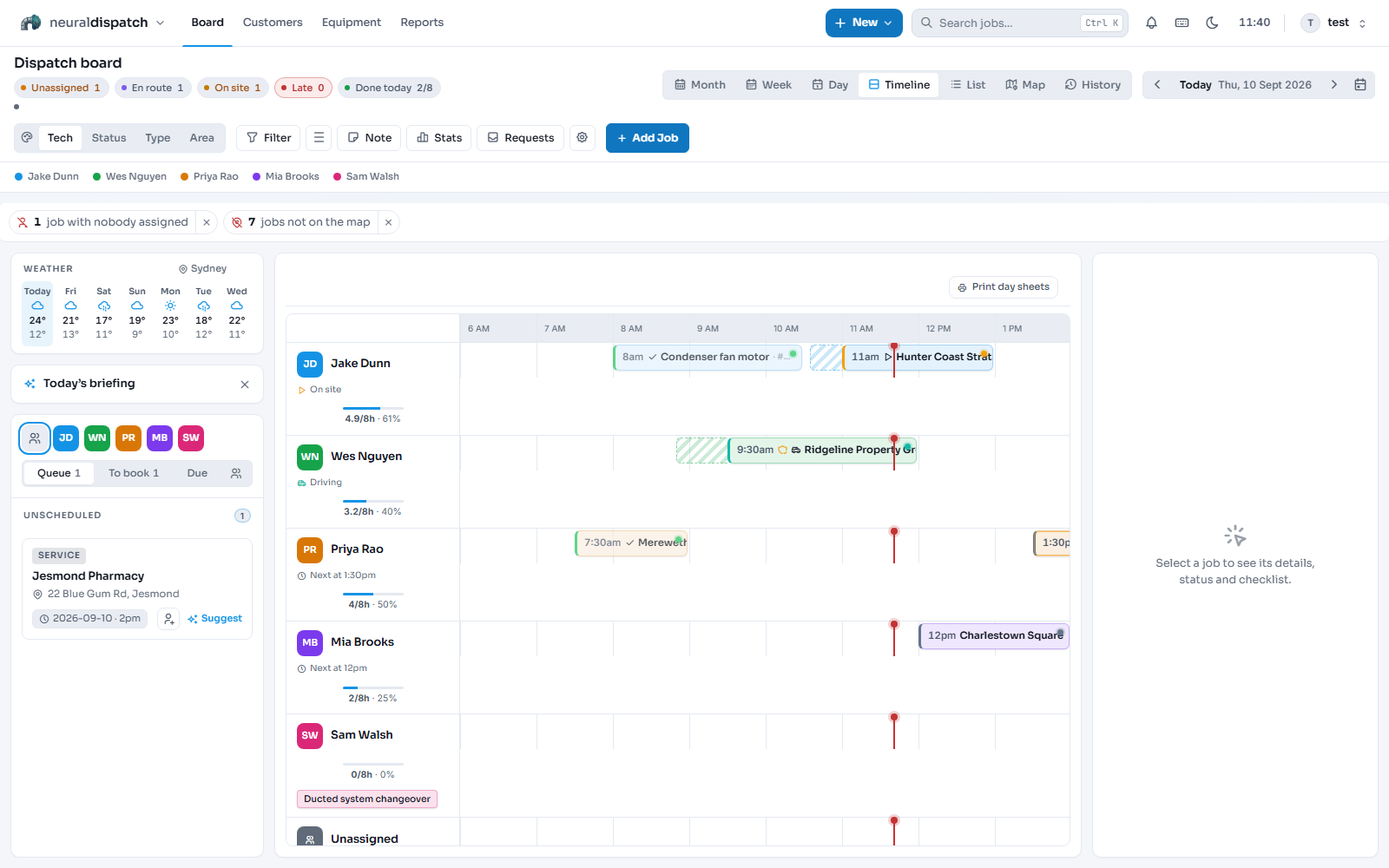
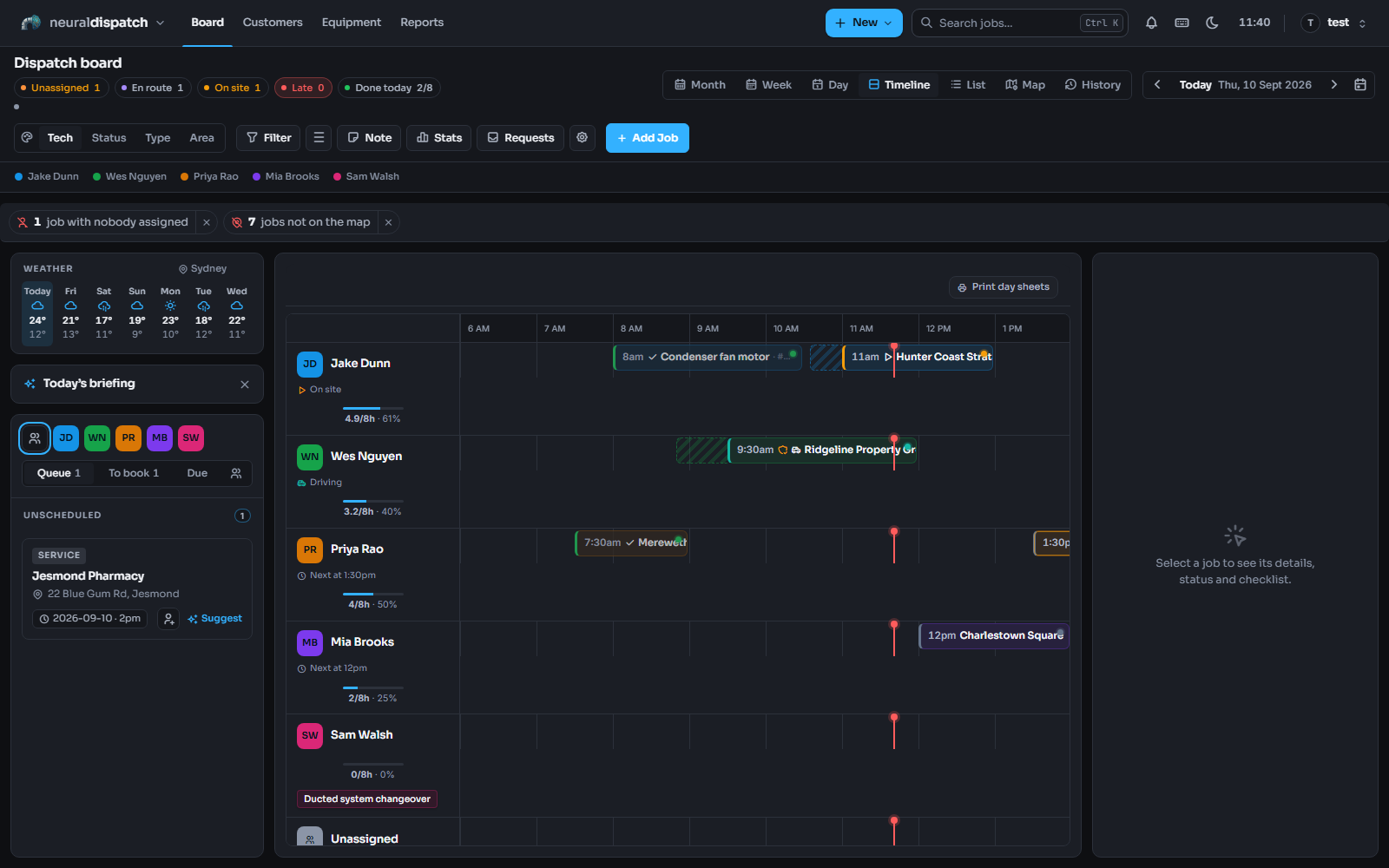
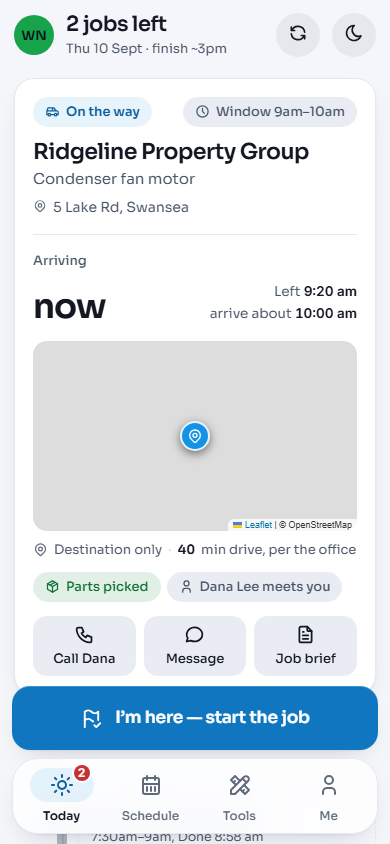
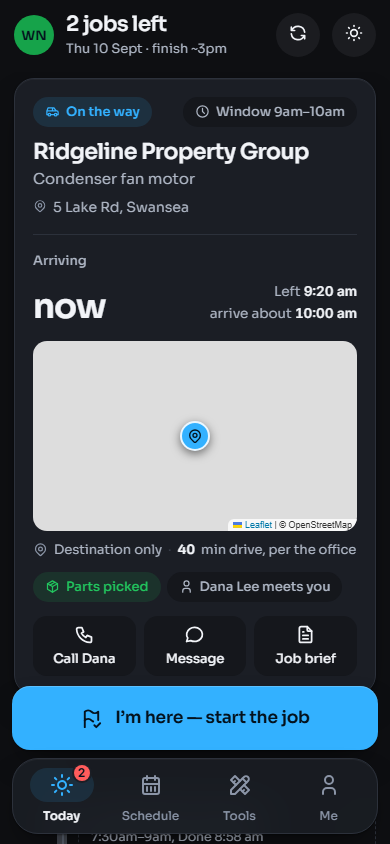
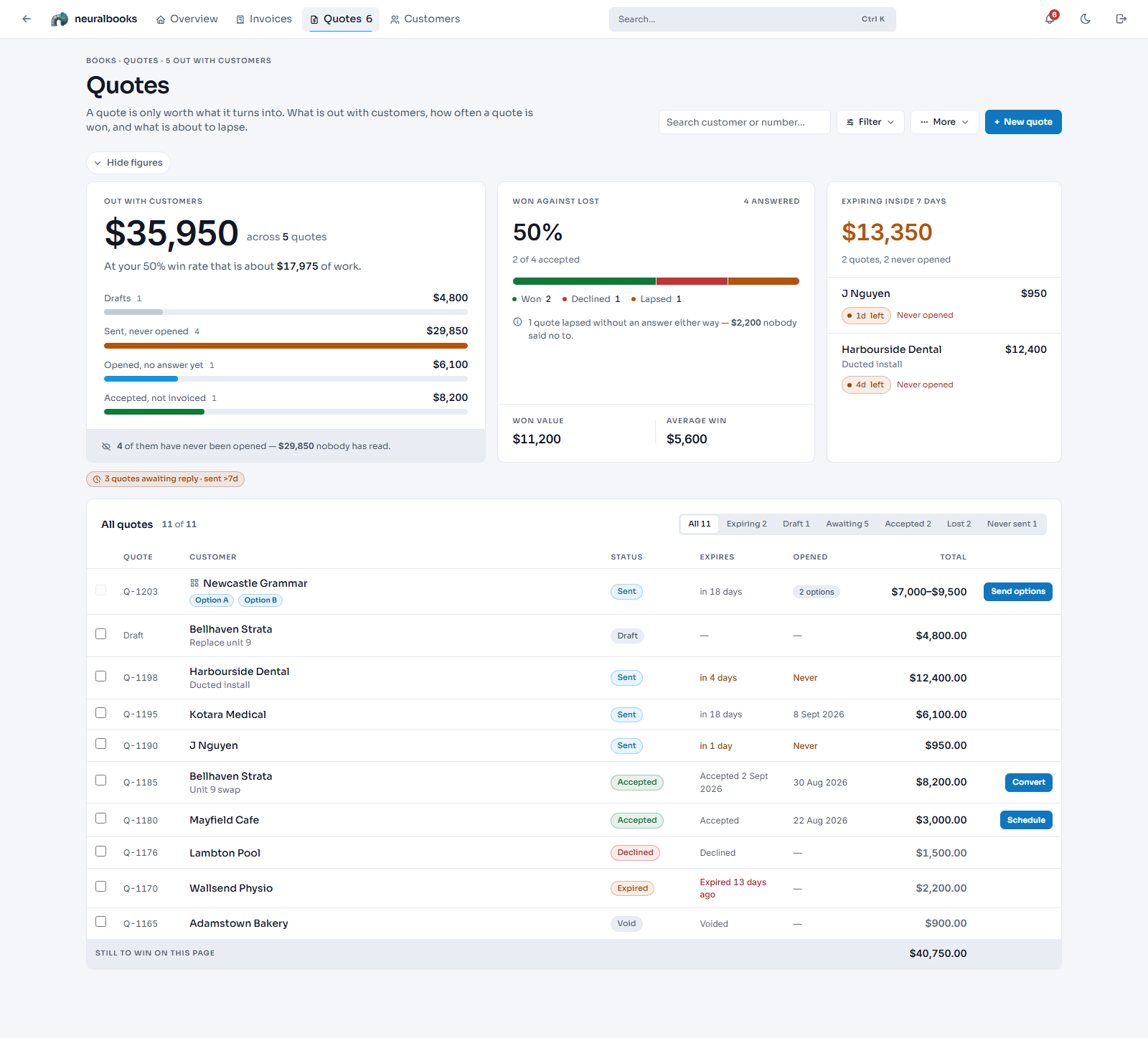
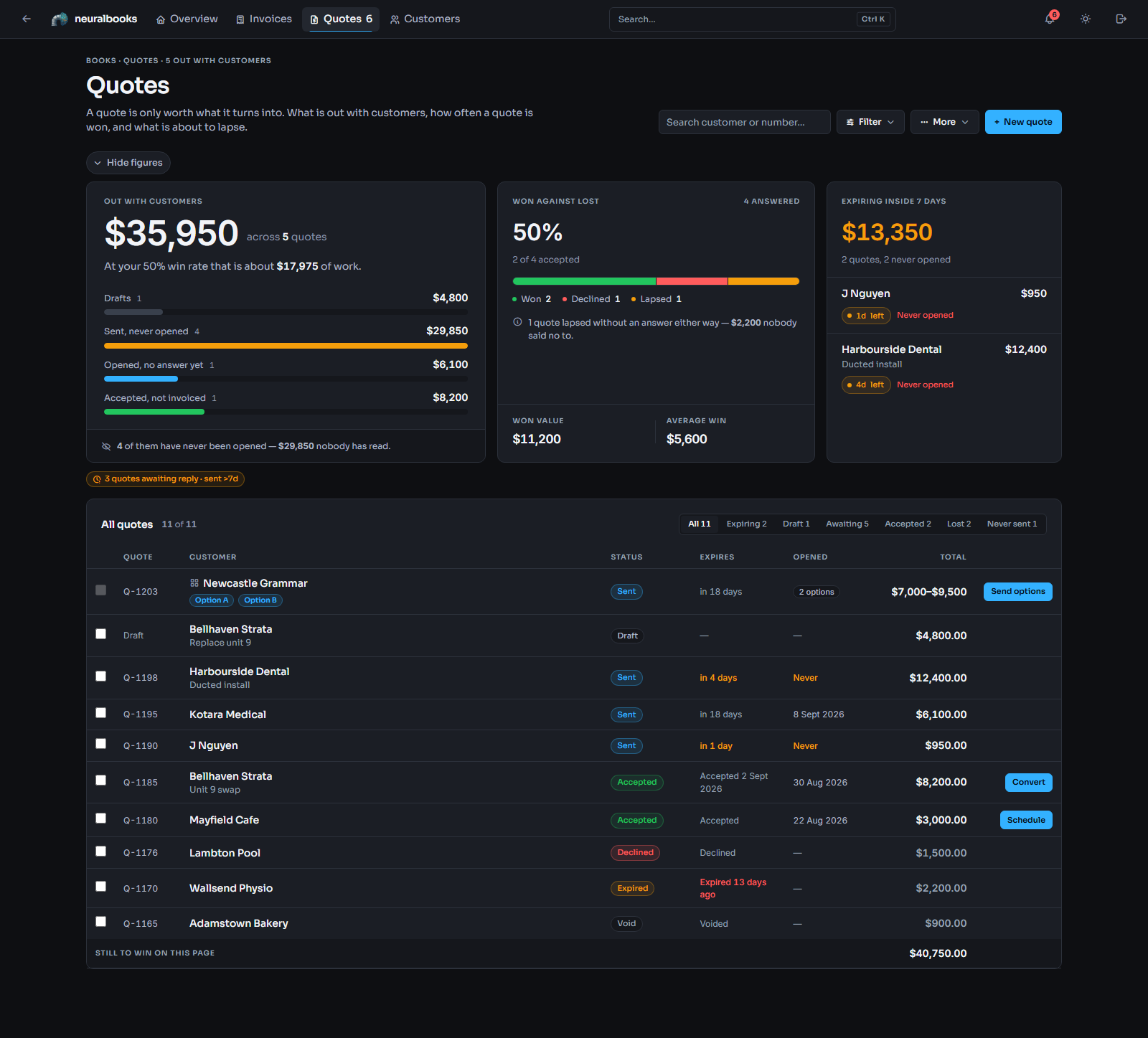
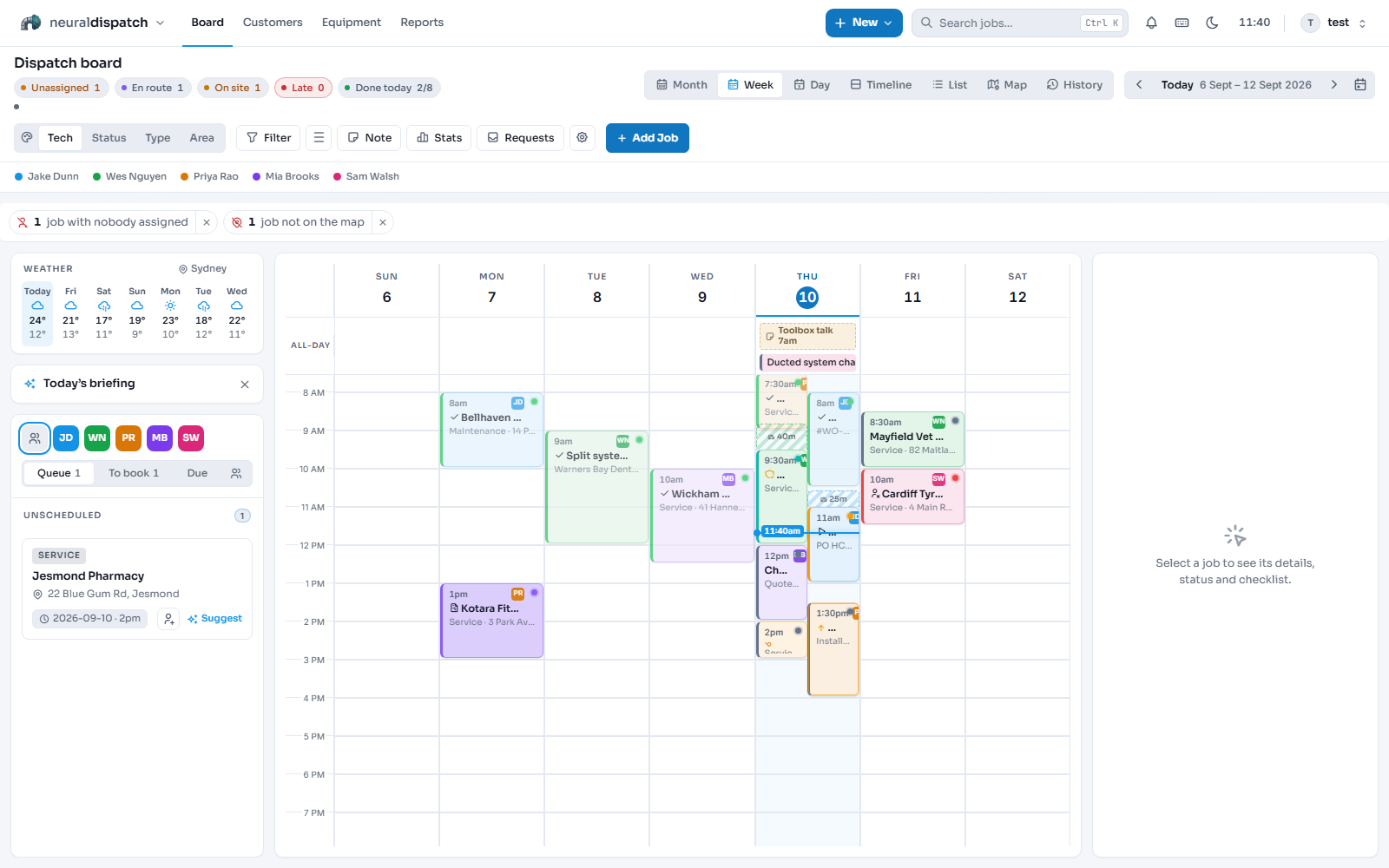
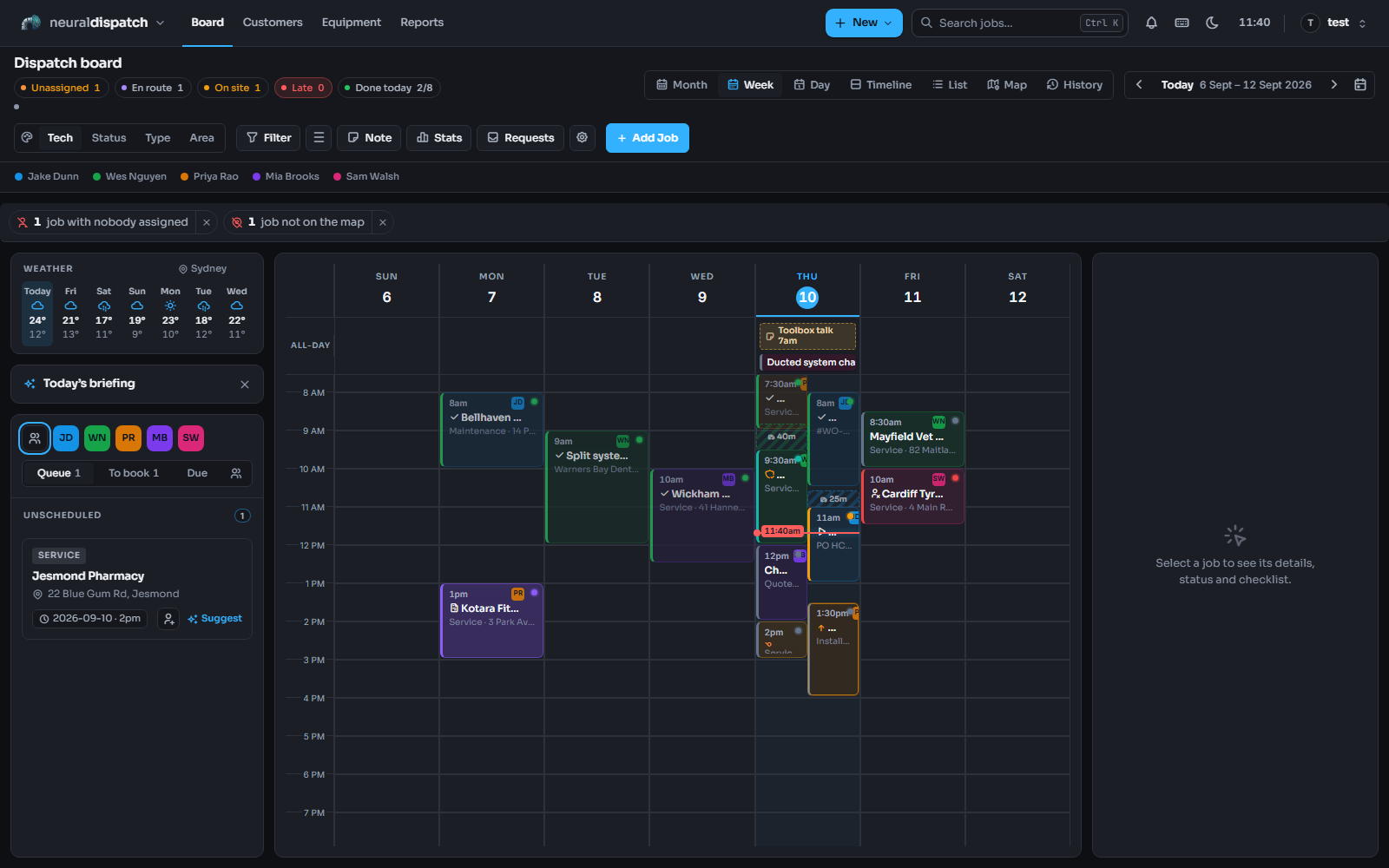
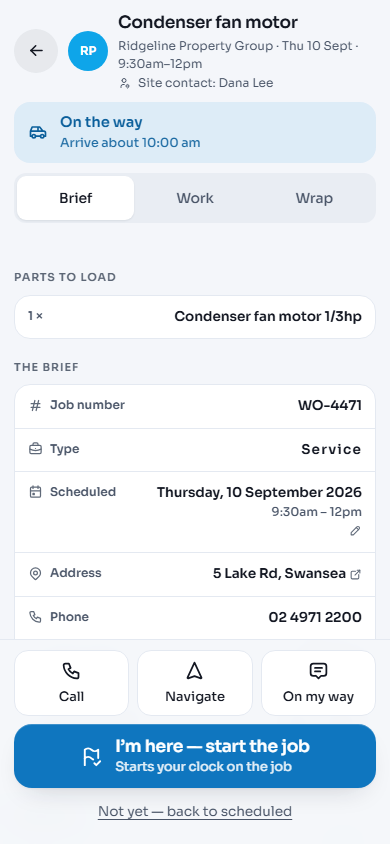
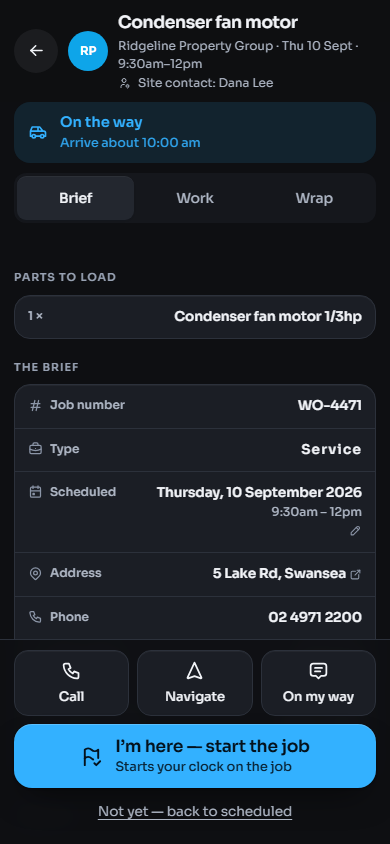
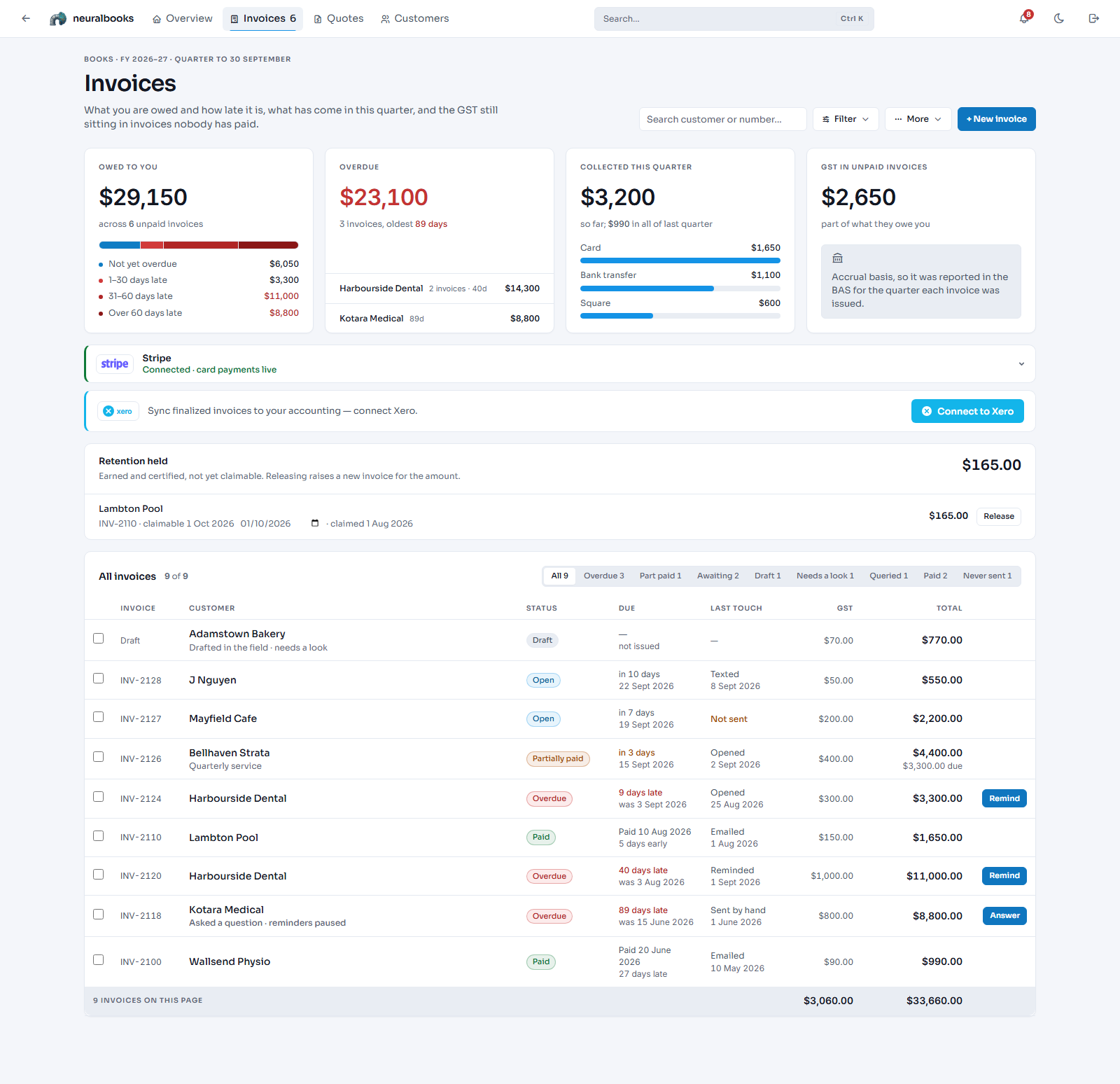
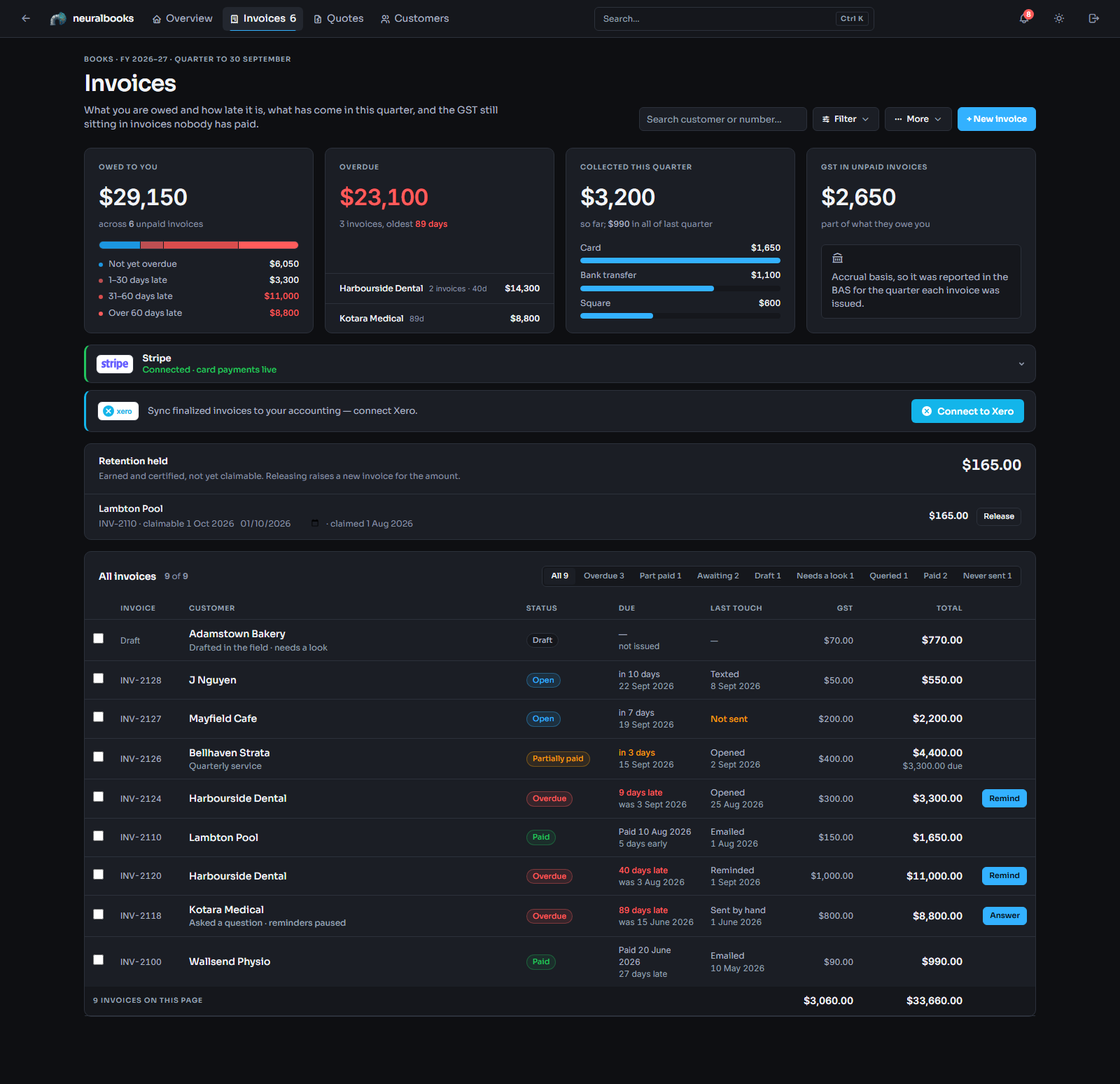
Real neuralduct screens. The customers and jobs are sample data.
Works with the tools you already pay for: Xero, Stripe, Square, ServiceM8 and Driversnote.
Follow one job from quote to paid.
Right now one job lives in four places: a quote in one app, the booking in a text thread, the paperwork on a phone, the invoice somewhere else. Here it is in one.
1Price it once
The quote goes out as a link. You see when it's opened, and the customer accepts it without a phone call.
2Put it on the board
The accepted quote becomes a job. Drag it onto a tech's lane and the customer, the site and the drive time come with it.
3The tech has the whole brief
Parts to load, the address, the phone number, one tap to navigate. Photos and notes from site go straight back to the job, even with no signal.
4The work writes the invoice
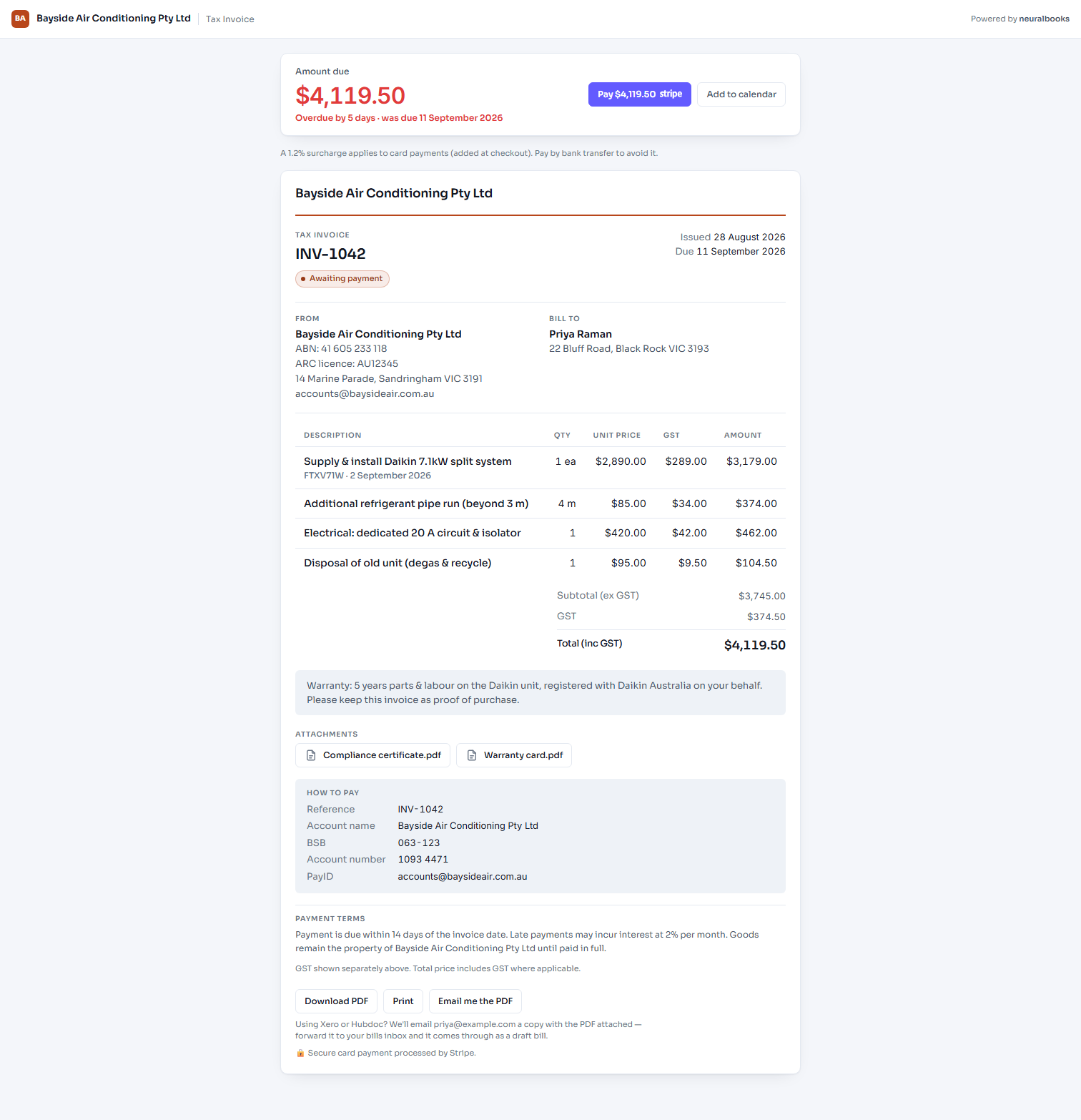
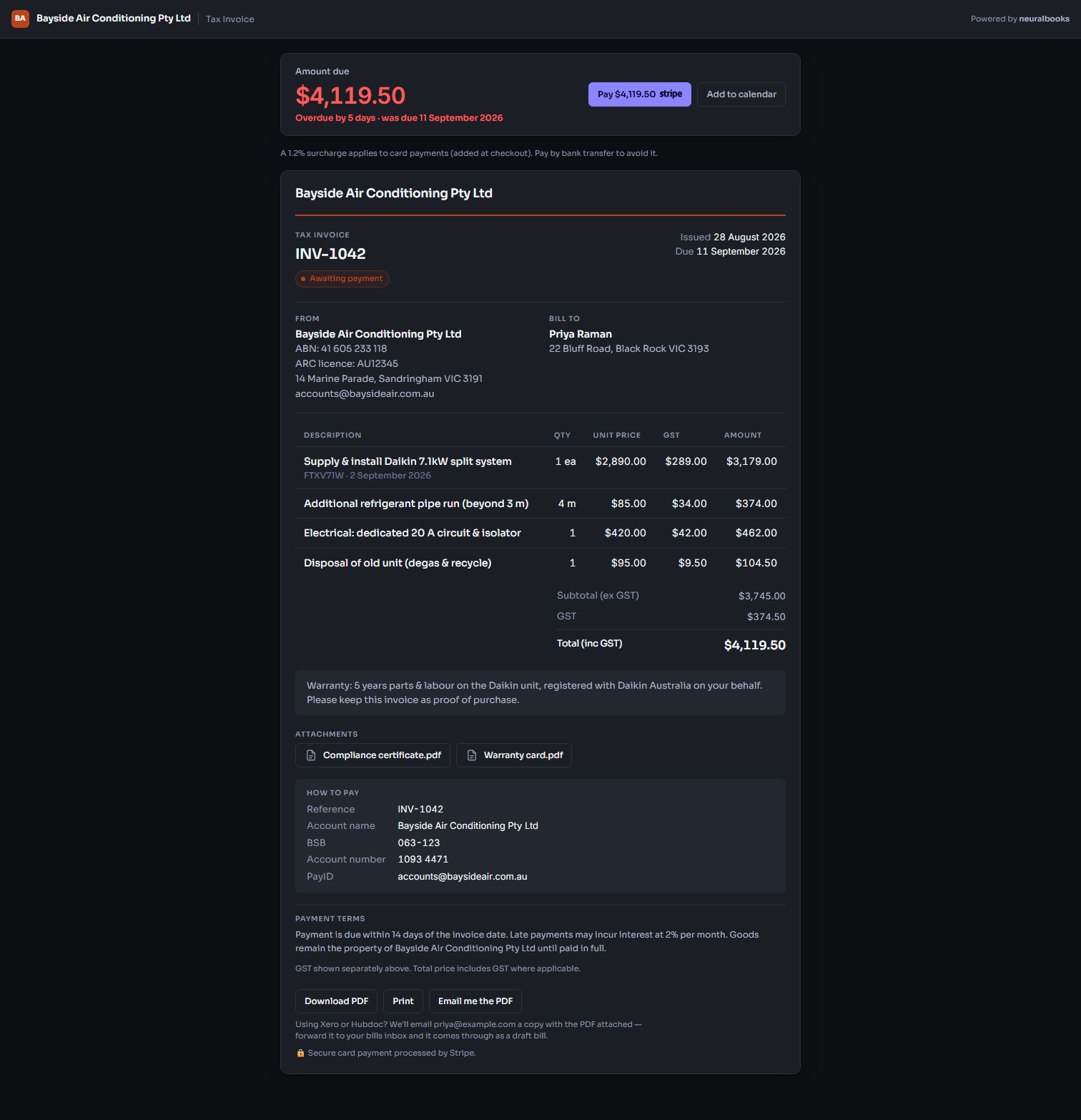
Quantities, photos and site notes carry into the invoice. Books shows what's owed and how late it is, today, with GST handled per line.
5Your customer pays from the link
They open an invoice with your name and logo on it and pay by card or bank transfer. The payment lands against the invoice, and against Xero if you use it.
PR
Priya RamanSplit system install, Black Rock
Quote accepted
Booked, Tue 8:00am
Wes is on site
Invoice sent
Paid by card
$4,119.50
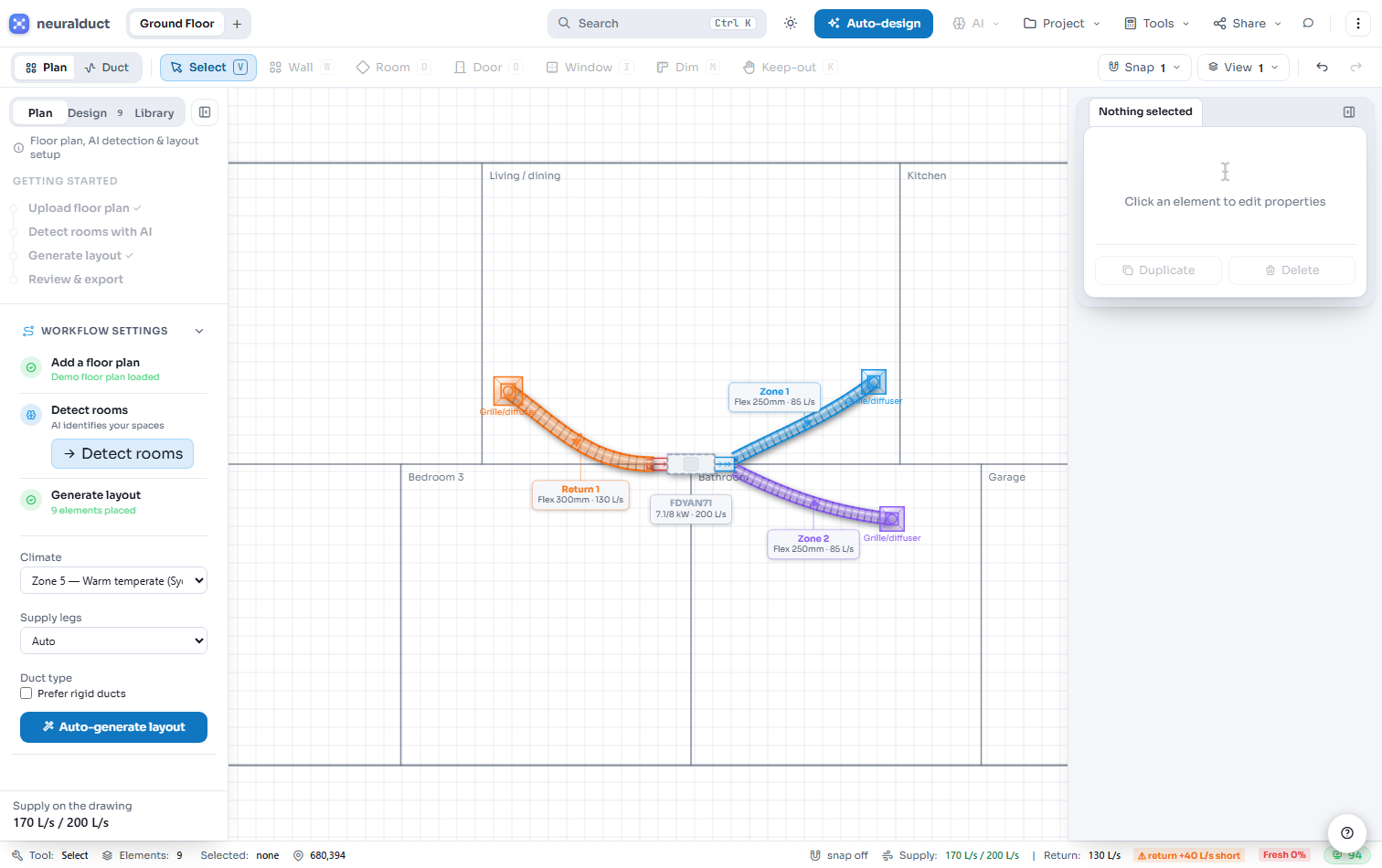
For HVAC, the quote starts on the floor plan.
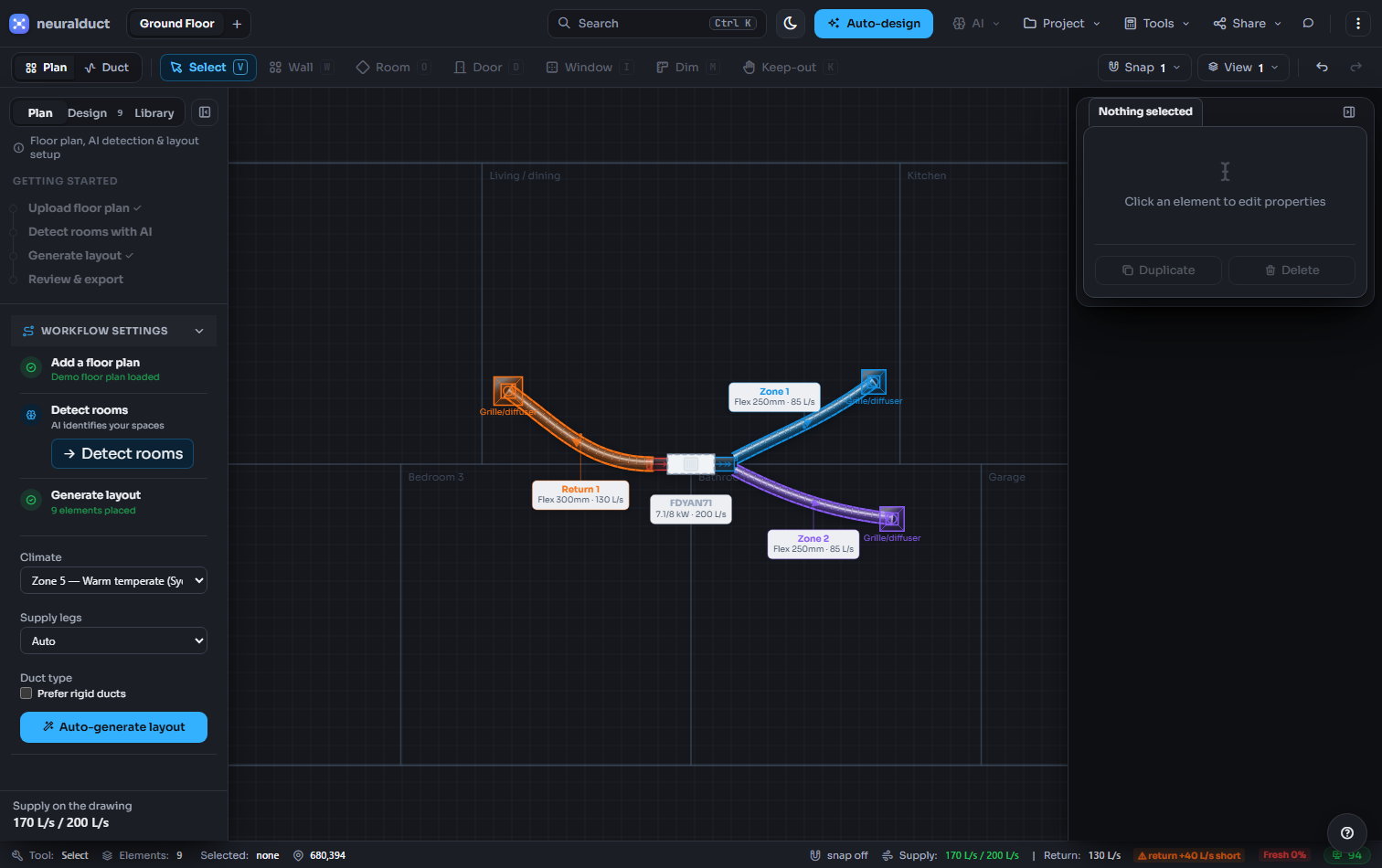
Drop in a plan and Canvas lays out supply and return ductwork to true scale as you draw, then prices it.
Finds the rooms
Upload a plan and AI picks out the rooms and walls, so you start from the layout instead of tracing it.
Draws to true scale
Ducts, plant and air handlers are sized to the plan and checked against AS 4254.2 and the NCC as you go.
Prices itself
The bill of materials goes straight into the quote, so the design and the price never disagree.
Built so nothing gets typed twice.
One customer record
A customer added in Books is already in Dispatch and the portal, down to the site address the crew drives to.
Speaks your trade
Set your industry and the words follow: jobs, customers and reports named the way your trade talks.
One activity feed
Paid invoices, accepted quotes and new bookings land in one place. The state of the business is one glance, not four tabs.
Compliance built in
Region-aware duct sizing and code checks for HVAC. GST and BAS kept right in Books.
Works in the ute
Runs in any browser. Quote on site, schedule on the way, invoice before you leave. The tech app queues work when there's no signal.
Pay for what you send
Start free with monthly credits. Top up, or subscribe for unlimited. No migration project, no lock-in contract.
Keep the tools you already pay for.
Connect them once and the job stops being re-typed on its way to the books. Each needs your own account with that company.
Xero
Push finalized invoices, the payments against them and supplier bills straight into your Xero org, so the books match the jobs without anyone re-keying a line.
Stripe
Put a Pay now button on every invoice you send.
Square
Take a card on site from a Square Terminal and have it settle against the invoice you just raised, instead of writing the receipt number down for later.
ServiceM8
Bring the jobs you already have in ServiceM8 onto the board, so moving across is an import rather than a migration project.
Driversnote
Read the trips Driversnote already tracked into the logbook, so the mileage claim at tax time is built from what was actually driven.
Upload a floor plan and Canvas draws a compliant, priced ductwork design. Schedule the install, quote it and invoice it without re-keying anything.
Jobs, technicians, service reports, duct design
Every field-service trade
Electrical, plumbing, refrigeration, appliance repair. The same apps schedule the work, dispatch the crew, capture what happened on site, then quote and invoice it.
Free accounts run the whole workspace on credits. Every account gets 60 credits a month; sending an invoice or booking a job spends a few. Need more and you top up, or subscribe to send without limits.
Free
$0pay per use
The whole workspace, metered by credits. Do real work; pay only for what you send.
Prices shown in AUD; exact amount confirmed at checkout. Cancel anytime. No lock-in contracts. Customer Portal included on every paid plan, at no extra cost.
Free accounts get 60 credits every month. Sending an invoice or quote costs 15 credits, booking a job costs 10, and a full AI design costs about 30. Drawing, editing and viewing are free. Run low and you can top up a 100-credit pack, or subscribe — paid plans make invoices, quotes and jobs unlimited.
Which industries is neuralduct for?
It's tuned for HVAC and air conditioning, with AI duct design in Canvas — and the same Dispatch, Books and Portal apps run any field-service business: scheduling, quoting, invoicing and a branded customer portal.
Do I need my own AI API key?
No — there's no key to set up. AI features (room detection, layout generation, compliance review) run on our servers, metered by credits. Scheduling, invoicing, the portal and the drawing canvas don't touch AI credits at all.
Which standards does it check against?
Set your region and neuralduct validates automatically: AS 4254.2, NCC J6, AIRAH DA03 and AS 1668.2 in Australia; SMACNA, ASHRAE 62.2 and ACCA Manual D in the US; CIBSE Guide C and BS EN 16798 in the UK. Units and currency adapt to match.
Do I need to install anything?
No. neuralduct runs entirely in your browser — no CAD software, plugins or downloads. The field quote builder is mobile-first and works on any phone or tablet on site.
Can I cancel anytime?
Yes. All paid plans are month-to-month with no lock-in contracts. Cancel whenever you like and keep access until the end of your billing period.
Sign up now. See it hold together on your first real job.
Sign up now — it's freeNo card, no sales call. Quote a job today and watch it carry through to the invoice.
 neuralduct